Apple TV 4: The Final Chapter of Three-Screen Convergence?
The phone, the computer, and the TV—three screens that occupy an outsize place in people’s lives—have long been strategic ground that tech giants covet and dream of unifying. This “three-screen convergence” does not mean consolidating everything into a single screen to satisfy all the needs of life, work, and entertainment. It means the three screens working in concert, showing the most valuable content on whichever screen suits it best. I remember that back when The Road Ahead was published, three-screen convergence was already a buzzword. More than a decade later, the giants are still wandering and struggling along that road.
Yet Apple TV 4 may have a chance to end this helpless exploration and struggle.
Three months ago, Apple TV 4 was already on the market, but I didn’t buy one right away. I waited for the right moment to persuade the household leadership that, in addition to the Xiaomi box and two Apple TV 3s (one in Beijing), we needed a fourth—and perhaps revolutionary—box. But after we added Tubi TV, researching every box and mobile device that runs our product became a necessity, so I naturally brought an Apple TV 4 home from the office to study. (See? Leaders at work are always easier to persuade than leaders at home, aren’t they?)
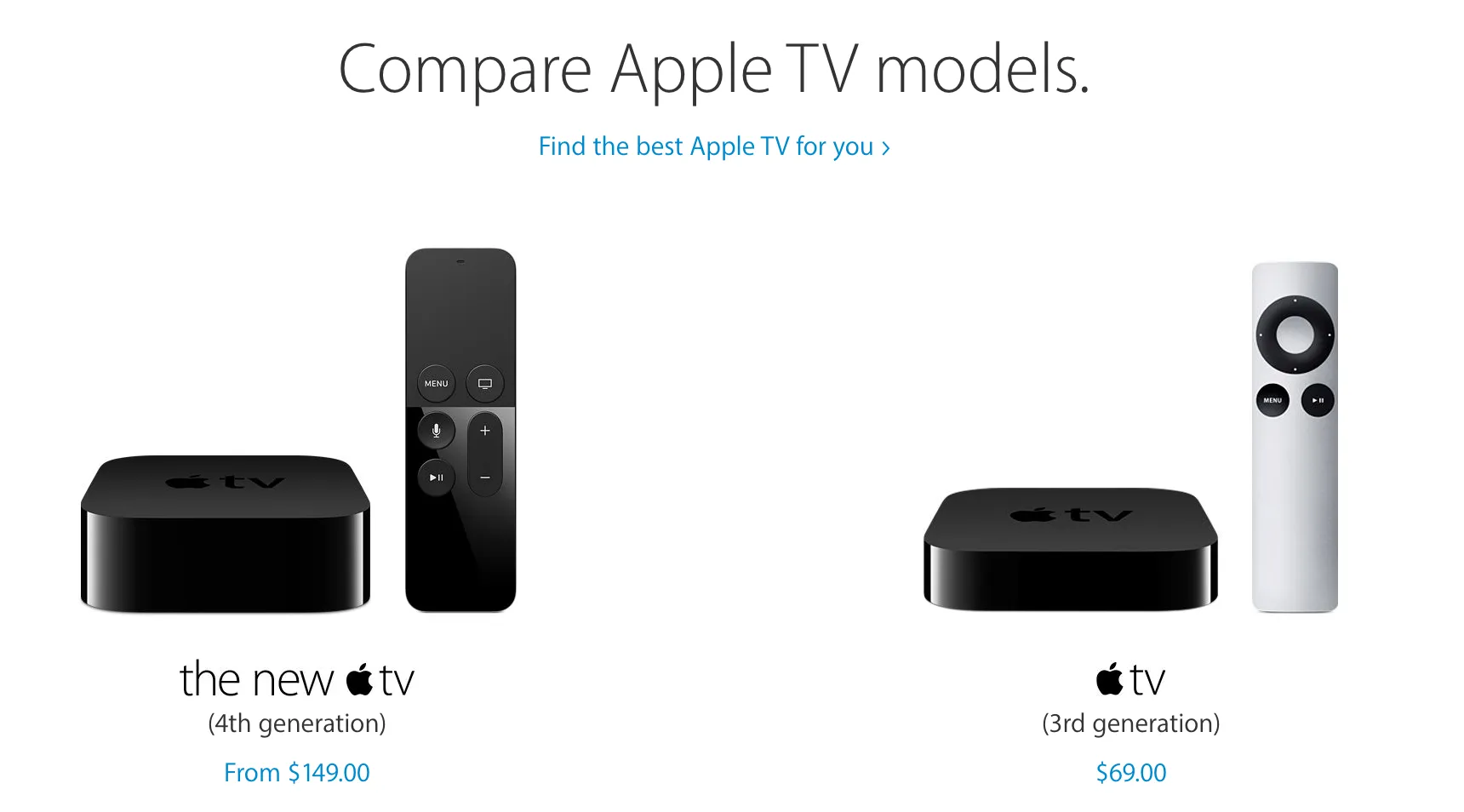
The biggest changes in the fourth generation compared with earlier generations:
- It uses a variant of iOS 9: tvOS
- It has its own App Store, where you can download and install any app submitted to the App Store
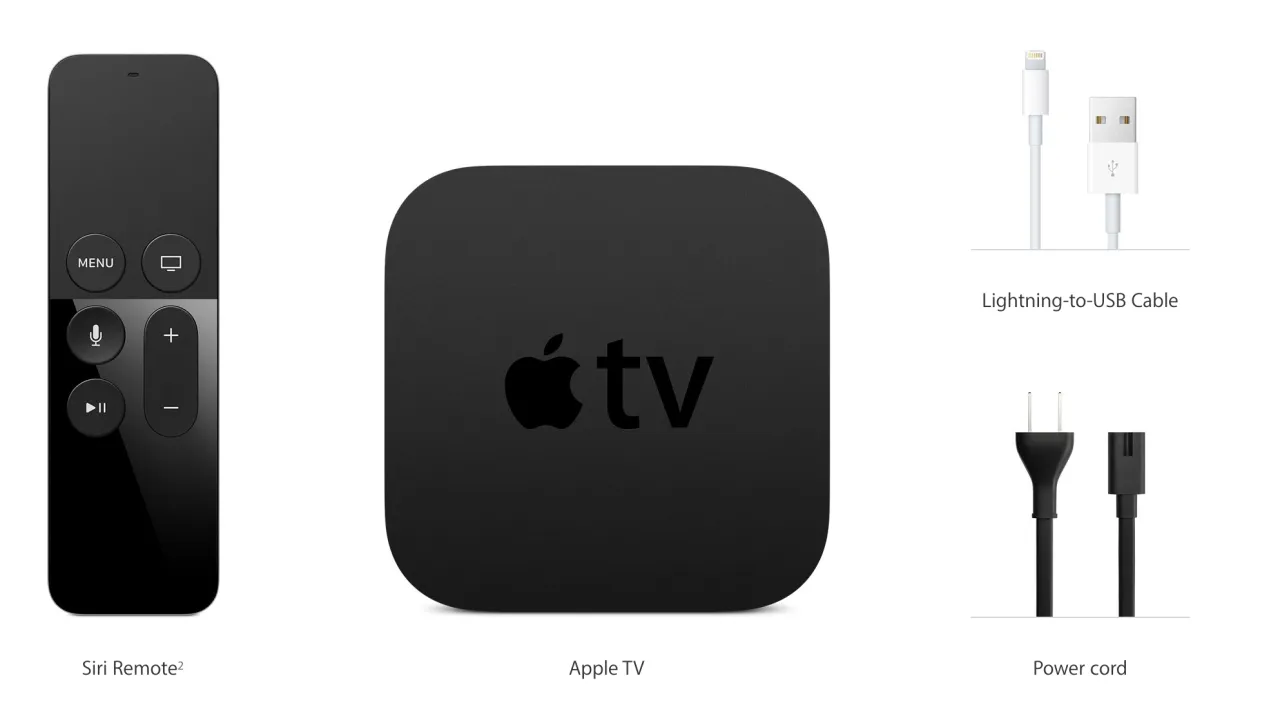
- The remote is rechargeable, supports touch, and supports Siri (you can issue commands to the remote)
- The CPU is an A8 (the processing power of an iPhone 6), a major improvement in processing capability
Among these, tvOS and the App Store are the most important changes. Let’s compare.
Advantages of the fourth generation over previous systems
Before the fourth generation, Apple TV was a rather awkward product for users. Every app shipped directly in the hardware, and users had no additional control—well, not quite: you could control whether an app appeared on the home screen, and that was it. Although new apps might be added to the system when the software updated automatically, that was not the user’s own choice and could not suit everyone’s tastes. So in the Apple TV 3 era, when apps were controlled by the TV giants, the only apps with any appeal to me were YouTube and TED. But apart from running on a larger display, those apps were not much different from their desktop counterparts. In other words, they alone could not let me experience what made Apple TV distinctive. Gradually, my Apple TV at home degenerated into an accessory to AirPlay: even when I watched TED, I took the easy route—opened it on my computer, then AirPlayed it to the TV.
The fourth generation changed all that. Apps are no longer monopolized by the TV giants; through the App Store, they are moving in a more diverse direction. Because traffic is no longer monopolized by the apps on the home screen, user reviews determine an app’s fate: good ones rise to the charts, bad ones get out—that harsh. I was delighted to find that new forces such as Coursera and Airbnb saw a future in Apple TV and put effort into building something. It isn’t perfect, but it is a wonderful step.
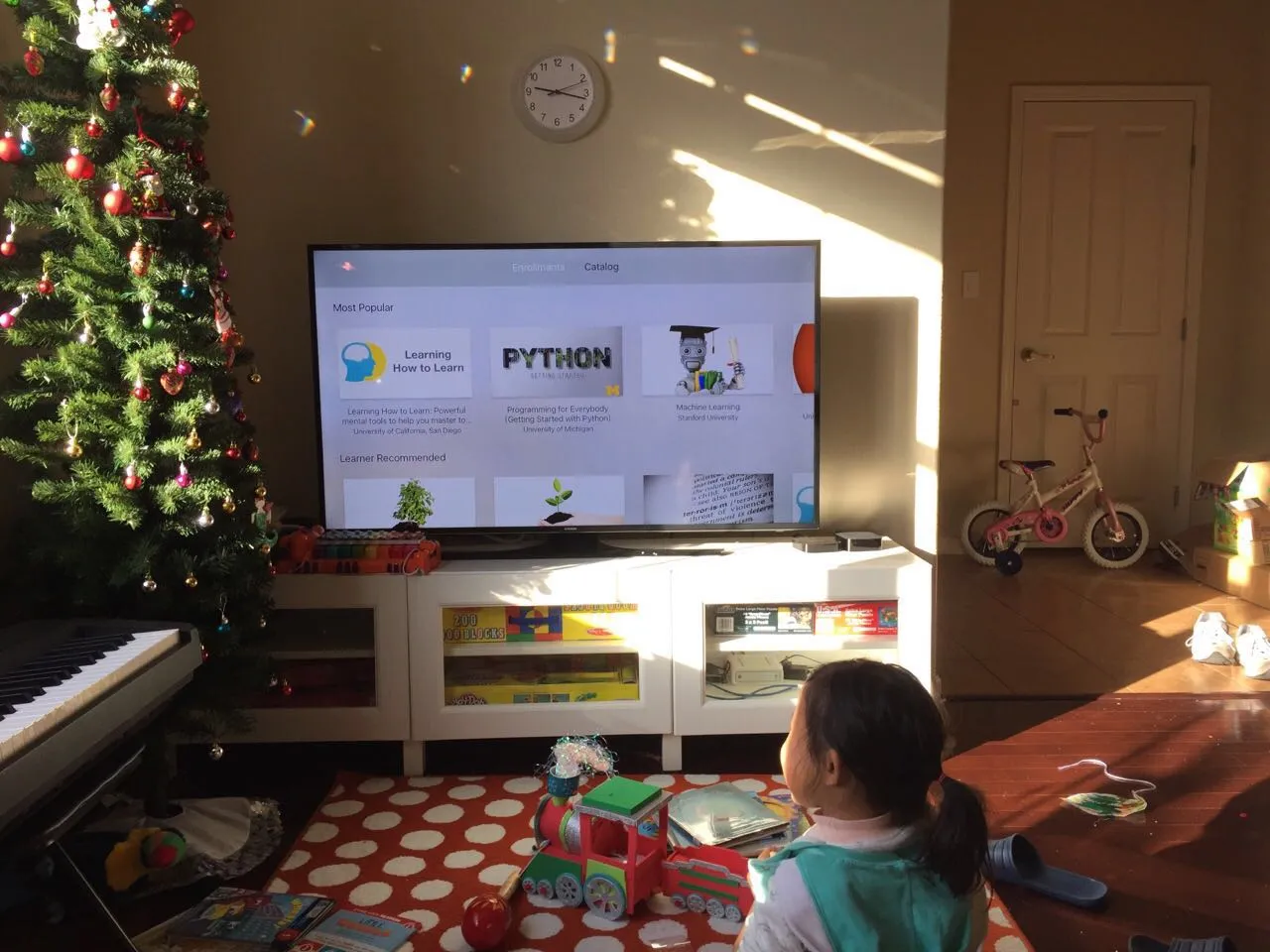
(A Coursera course)
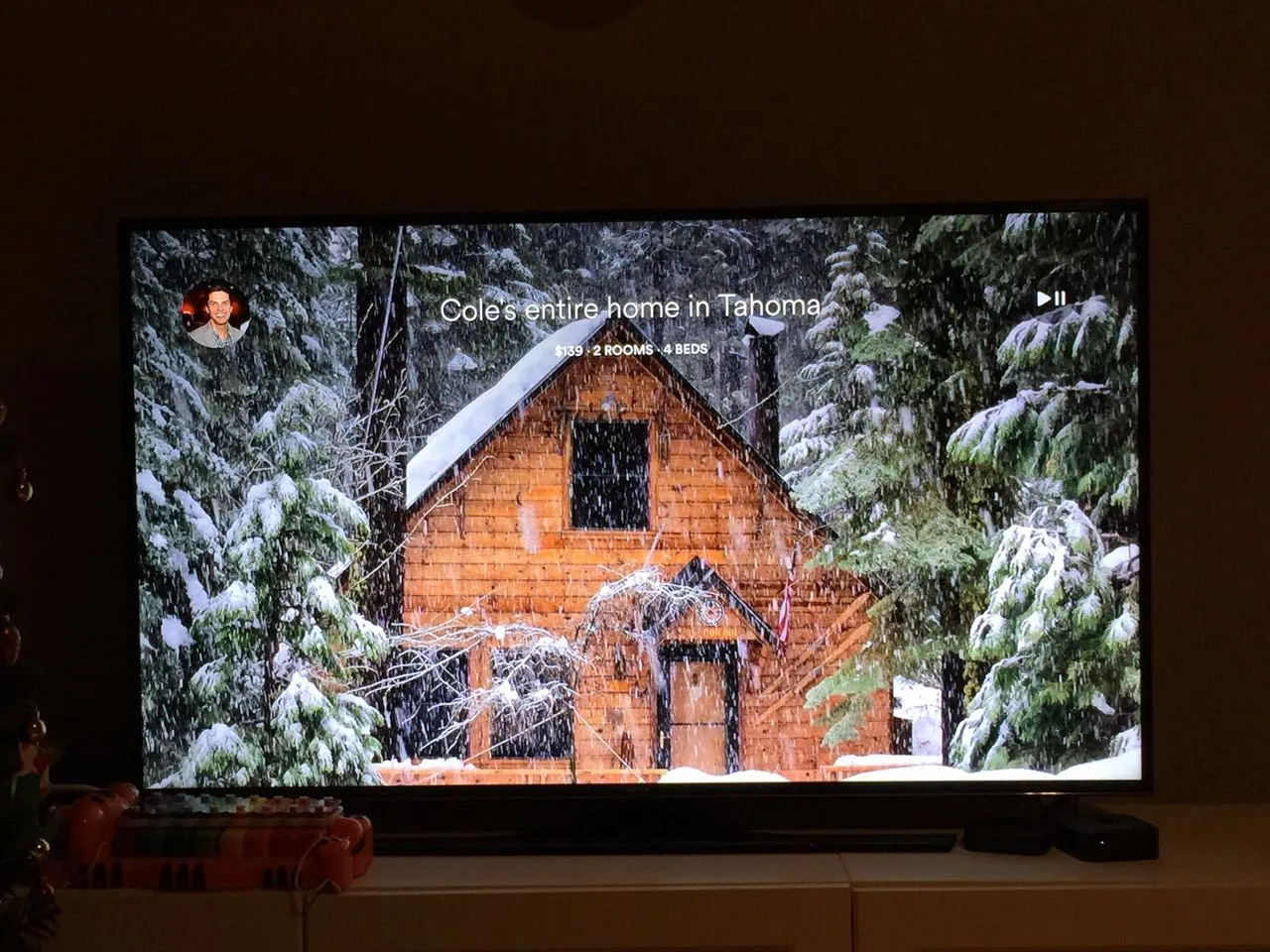
(An Airbnb listing)
The fourth-generation remote feels and looks much better. The new touchpad opens up endless imaginative possibilities, and the addition of Siri is crucial. Apple TV is a low-margin hardware business, so for now the remote cannot become a controller like an iPod Touch—though I think giving the remote a touchscreen would solve many maddening interaction problems.
So when cost prevents the remote from integrating a touchscreen, the touchpad plus Siri is almost the best hand Apple can play: complex input through Siri, simple input handled by the touchpad.
iPhone gradually came to lead the phone market thanks to a rapidly growing App Store and an ever-improving SDK. When the power to produce software was decentralized from large and medium-sized software companies to countless individual developers and studios, productivity and creativity were greatly unleashed, and today’s prosperity followed. It is hard to say whether iPhone’s hardware made the App Store or the App Store made the iPhone, but the network effects the two formed, each promoting and prospering the other, became an inseparable software-and-hardware ecosystem. Now the time is ripe (I don’t believe Apple has failed to notice), and Apple TV has finally taken the same step. And that may make history repeat itself.
Some might cite the Waterloo of the Mac App Store to rebut the potential of the tvOS App Store, but don’t forget: Mac is an open system with deeply entrenched channels for selling software. The Mac App Store did not provide much additional value, so it could not become the preferred channel for most software. In contrast, the software distribution channels for iOS and tvOS are completely controlled by Apple, so the two are far more comparable.
Advantages of the fourth generation over Roku/Xbox/Wii
As an OTT device, Apple TV will naturally be compared with Roku, which has the largest installed base of OTT devices in North America. If we look only at the video-watching experience, the latest Roku crushes Apple TV, because Apple TV 4 does not support 4K, and the whole voice-search experience is far worse than Roku’s (though perhaps I just haven’t learned to use Siri well for searching).
But Apple TV is a multi-purpose living-room entertainment platform. It isn’t only for watching video. It can be used to play games, to learn something new—and that is remarkably like the early iPhone. For making calls, it was no match for Nokia; for gaming, it was no match for dedicated handheld consoles; for photography, it was no match for dedicated digital cameras. But people don’t need that many devices. So today handheld consoles and digital cameras are all but dead.
Apple TV’s remote already has some of the functions of a Wii Remote. I can install a dancing app, hold it, and have a blast in front of the screen. I suspect that gravity sensing, orientation sensing, and other functions are all integrated into this little remote, so the casual games Wii excelled at will soon be ported to Apple TV by ISVs.
Xbox originally had great potential to be the one that finally solved three-screen convergence. Microsoft has always worked in that direction. Unfortunately, the game controller limited people’s imagination and made it, more often than not, still a game console. Once people’s impression of something is deeply entrenched, it is hard to change. In addition, Xbox does not have an App Store–scale store for distributing applications over the internet.
The potential of Apple TV
From my explorations so far, apps on Apple TV have a lot of potential, especially when they interact with iPhone/iPad. The bigger opportunities may cluster in these directions.
Video apps
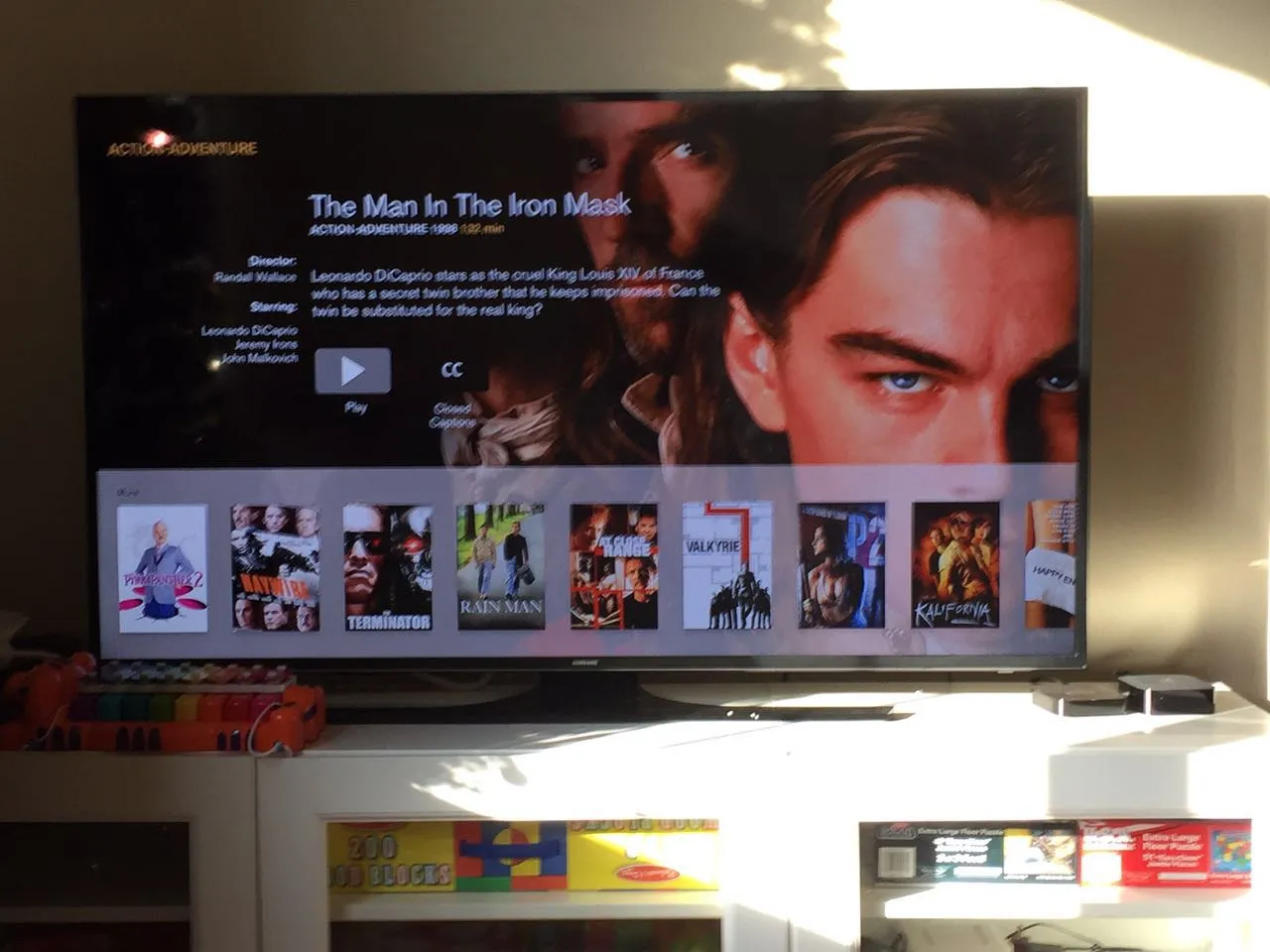
TV is for watching all kinds of video—that is the most primitive demand for an OTT device—and on Apple TV, this is the category with the most offerings. So you see everyone from Netflix to Hulu to traditional broadcasters such as HBO, CNN, and PBS with one or more apps of their own. The most annoying thing about these apps is that each requires a subscription to watch; without a subscription, they are useless system junk. Broadcasters actually don’t need their own apps; what they need is subscribers. So in the future, independent apps may emerge to aggregate these channels. It will be a long process, but there will be many opportunities here—just as Tubi TV is now aggregating the film studios’ good-quality but long-buried library titles. Apple TV is a rare opportunity for us.
Many video systems now include bullet comments (danmaku). If the input for bullet comments were done on an iPad (or other tablet) and displayed on Apple TV, that would be an interesting experience: it would not disrupt the flow of watching video, and it would let viewers interact in real time with other viewers in style. There are many possibilities to explore in this direction.
Online education
I have always felt that MOOCs such as Coursera, edX, and Udemy have great potential on OTT devices. Many learning processes need at least two screens to be completed in sync. That’s why I usually learn with a MacBook Pro plus an external monitor. If the MacBook Pro (or another laptop) were used for follow-along practice while Apple TV played the video, and the two could control each other based on feedback, what a wonderful thing that would be! When I take notes or practice on the laptop, the video pauses automatically; when I use a certain shortcut key, the video continues. If there are exercises, the user does them on the laptop while Apple TV provides all kinds of context-sensitive help. Even when you follow Andrew Ng through Machine Learning, you could consult notes others took during their learning as the video plays. All of this can be done on existing websites or apps, but with Apple TV, using two screens together can deliver an incredibly smooth and efficient learning experience.
Another huge online-education market—early childhood education—also has enormous room here. Computer screens are too small, and keyboards are too complicated; these are the problems that constrain children’s learning on computers. The iPad is a good learning tool, but its screen is still small and can easily damage children’s eyes. Apple TV may gain a dominant advantage in this area—after all, rather than leaving kids by the TV to watch cartoons at will, it is better to pay a little extra and let them follow someone else’s pace and learn bit by bit.
App extensions
Having said all this, every app developer should actually think: now that we have a three-screen convergence platform, how can I make the same app provide the most reasonable and seamless experience across different screens? From this perspective, the vast majority of apps on watchOS are failures, because apart from providing a notification function, they do not bring out the advantages of the app on two screens. Of course, this has to do with the Apple Watch’s screen size and battery drain, but on Apple TV, neither is a problem. Apps on tvOS are still at an early stage, and I have yet to see one that makes my eyes light up.
Casual games
This direction once made Wii a sensation and let it look down on the competition. There is reason to believe that on Apple TV, there will be more and more casual games in which users hold the remote to play. No discs; install, download, and delete at any time—this will accelerate users’ flight from living-room consoles, just as they fled handheld consoles after the iPhone arrived.
Imagine this: you have set a daily 8 p.m. yoga practice in your calendar. At 8, your phone reminds you, so you turn on the TV, and the yoga app you specified has already prepared that day’s lesson. The TV of the future should not merely let you customize what content plays in each time slot; it should also let you define which app you use to accomplish which task.