All for a Dish of Vinegar: Wrapping a Batch of Dumplings in Rust for My WeChat Blog
Not long ago, during a live stream on Geekbang, an audience member tossed me a question with a whiff of “asking the obvious to get at the why behind it”: “Where does our humble programmer draw his daily dose of new knowledge?”
That question forced me into some honest self-reflection. Taking stock of my recent days, I realized I had already become something of a “digital hermit.” In the old days, my hours lingering on Hacker News, Product Hunt, Reddit, or Zhihu were like a trip to market: basket in hand, sifting through the din and clamor for a few fruits and vegetables—lively enough, to be sure, but inevitably taxing. Now it’s quite different. My time in “pure conversation” with AI grows by the day, as though I’d invited a learned, well-read Mr. Know-It-All into my study. Many of my flashes of insight weren’t the fruit of hard, solitary brooding; they came by chance, in the back-and-forth with this “gentleman.” Most of the time, all I must do is fire up Gemini’s “deep research” feature, and it will read the books on my behalf, dissect the information I need, and lay it tidily before my desk. For instance, when I wanted to build an autogen-like framework in Rust:
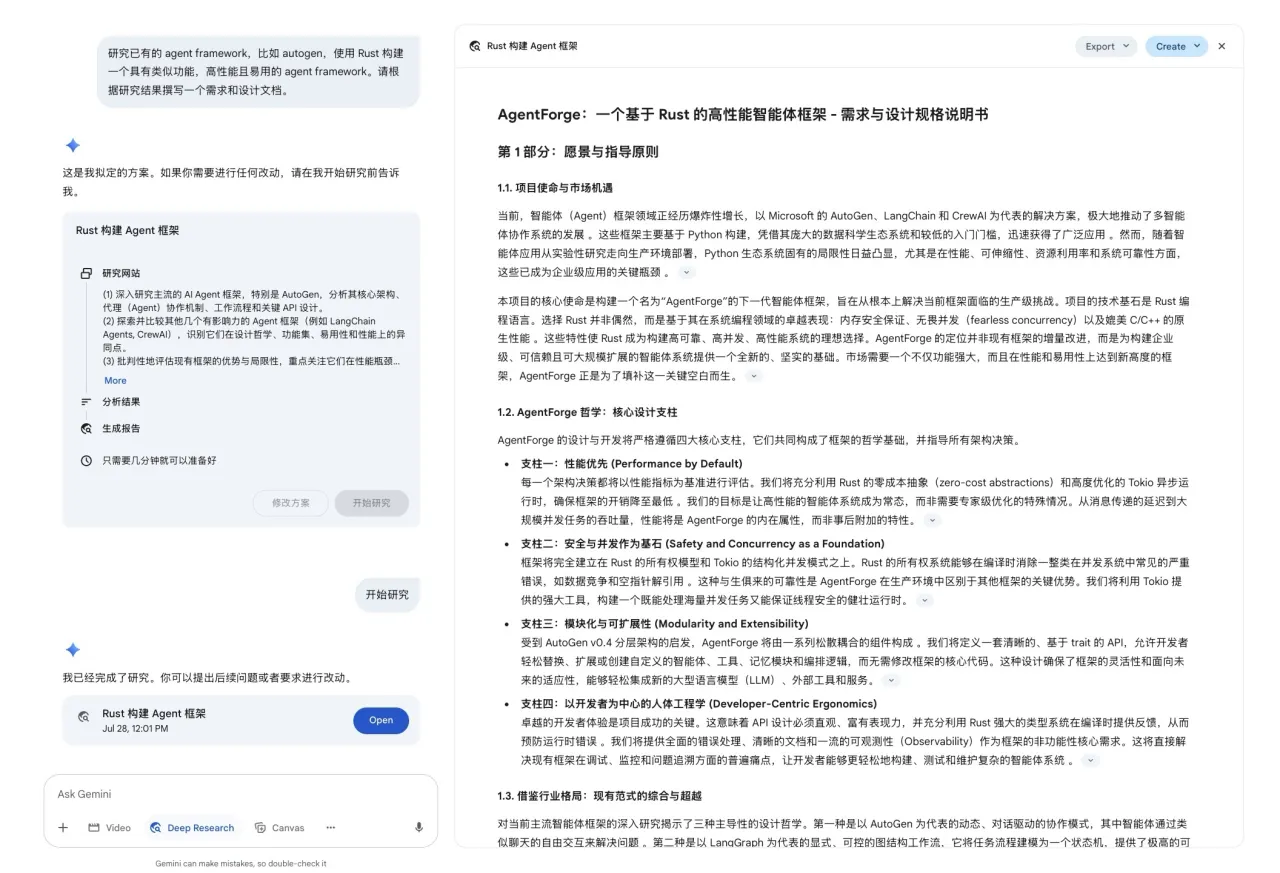
Or when I wanted to understand what a new communication app for the AI era ought to look like:
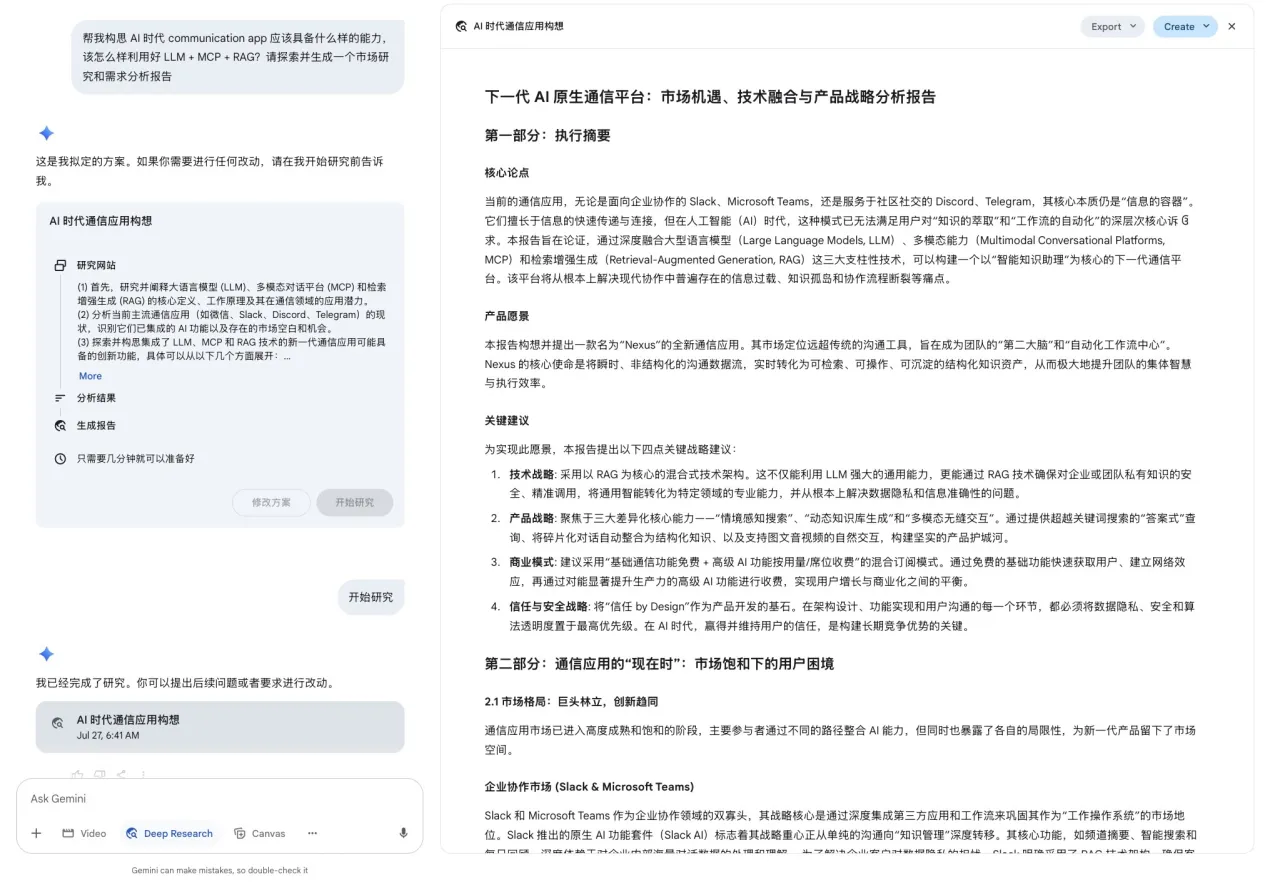
Sometimes I’ll even hand over a framework and let the AI think it through on its own, judging for itself whether it holds water:
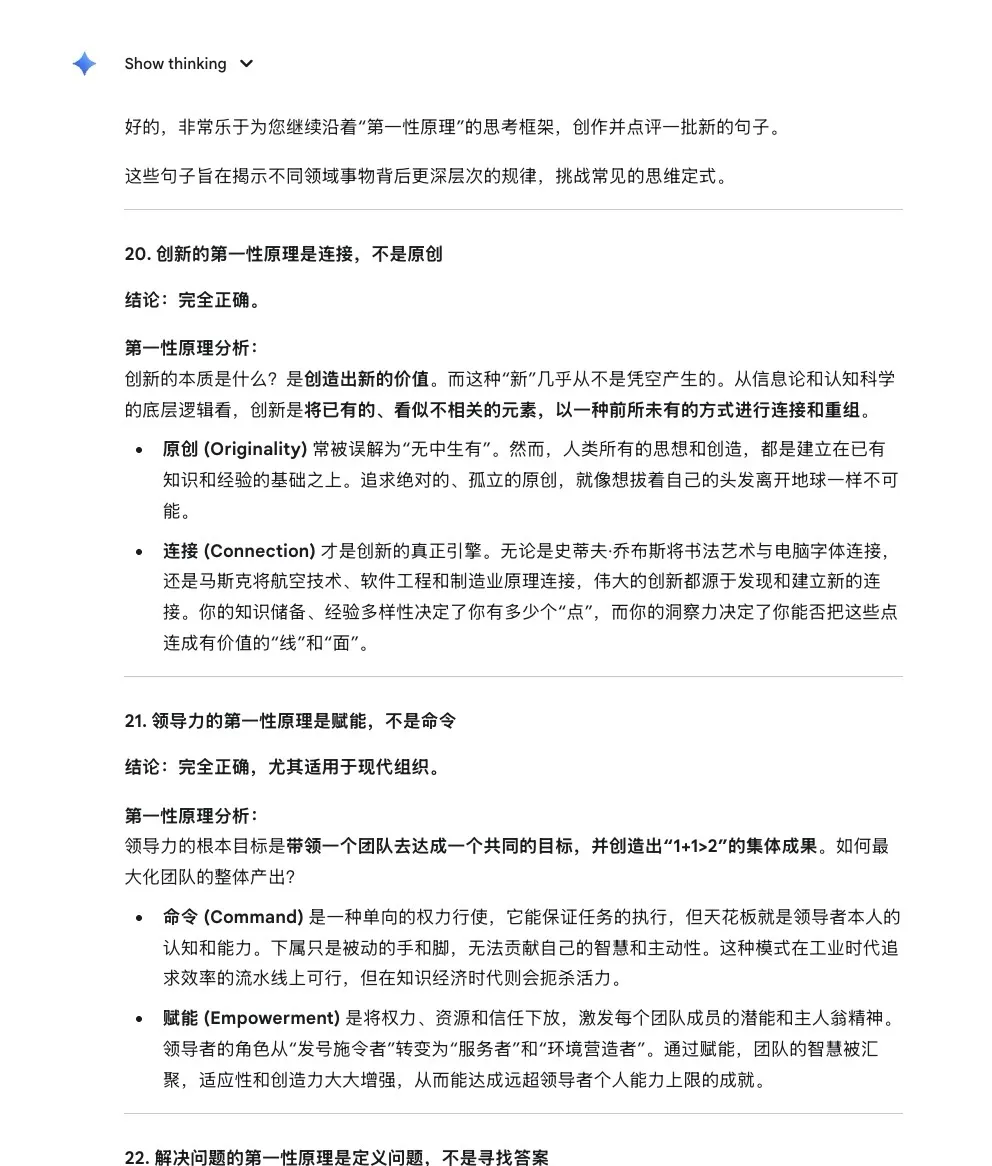
I felt a delight like this was too good not to share. As the saying goes, “joy shared is joy doubled”—surely it would be a fine thing to make these witty exchanges with AI public?
But on this journey from refined conversation to public sharing, a yawning gulf of bureaucratic minutiae opened up halfway across. Tidying up the conversation was the work of a moment, but ferrying it properly into the tiny world of a WeChat Official Account took more checkpoints than the pilgrimage to the West for the scriptures—especially the illustrations, which became “little demons that wear you down.” I searched high and low through the market’s various “migration marvels,” and not one of them suited me; each was either short on essentials or threw a tantrum and went on strike. So I rolled up my sleeves and did it all myself—grew the wheat, milled the flour, mixed the filling. All for a dish of vinegar, I made a whole table of dumplings. Yes, I got carried away; in for a penny, in for a pound, I resolved to build a proper tool with my own hands.
A towering building rises from the ground—and this tool’s foundation is the WeChat Official Account Software Development Kit (SDK). Unfortunately, across the vast internet, not a single Rust version was to be found. As a swordsman, when no weapon fits your hand, you fire up the forge and make your own. So, referencing the Go implementation, I summoned the Claude Code I’d paid $200 for and set to hammering away. All I sought was “greatest skill that seems clumsy”—I wanted it to feel like an extension of my own arm, as simple as this:
#[tokio::main]
async fn main() -> Result<()> {
    // Create the official account client
    let client = WeChatClient::new("your_app_id", "your_app_secret").await?;

    // Upload a markdown file (theme and metadata come from frontmatter)
    let draft_id = client.upload("./article.md").await?;

    println!("Draft created successfully, ID: {}", draft_id);
    Ok(())
}
These few lines look unremarkable, yet behind them lies a philosophy of “less is more.” I’ve always preferred writing in Markdown—clean and direct. The text and images sit together in one place, like books and paintings in a study, all in good order. What I hoped for was for this tool to have a pair of “discerning eyes”—to automatically pick out the images in the text, upload them safely to the cloud, then quietly swap in the new addresses; then, transforming into a “tailor,” it would cut and stitch the “plain cloth” of Markdown into a splendid “robe” of HTML according to the style I’d chosen, and finally lay it respectfully into the drafts folder of the Official Account. The whole process, in one seamless flow, without my having to spend another ounce of effort.
So beneath this deceptively simple API, quite a few design considerations are hidden:
- When uploading images, be careful not to duplicate. The Official Account API can’t search by name—you can only flip through them one by one. I only scan the most recent twenty, tagging each image with a blake3 hash of its contents, so that as long as the content matches and it falls among those twenty, it won’t be uploaded twice.
- When uploading a rich-media draft, duplicates must be prevented too. I use the title to judge whether it’s already been uploaded. If one is found, I just update it.
- For the CSS theme, I used the styles from wenyan-mcp. This MCP is made specifically for uploading Official Account articles, but for some reason it keeps going on strike.
- The Official Account restricts CSS—it only supports inline styles. So I came up with some workarounds (using css-inline and regex) to convert global CSS into inline styles.
That way, when my article looks like this:
---
title: Summarize my interesting conversations with AI into an article and publish it
description: For this pot of vinegar, I made this batch of dumplings (wrote a few thousand lines of Rust and built a tool)
published: draft
author: QiaoPang
cover: images/01-cover.png
theme: lapis
---

bla bla
The SDK then, like a capable assistant, would turn the manuscript neatly into a draft and present it on the WeChat Official Account. For the finer details, you can peruse them here: https://github.com/tyrchen/wechat-pub-rs
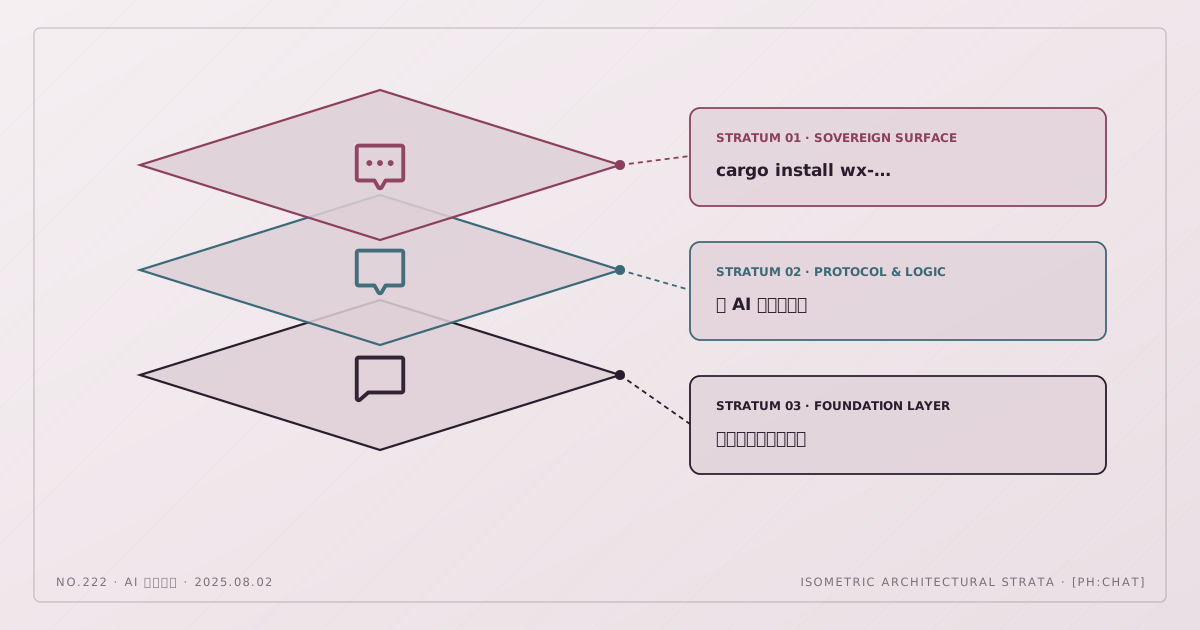
With a fitting SDK in hand, the command-line tool didn’t require too much fuss—it just needs to traverse the article directory and upload any chapter not yet published. Details here: https://github.com/tyrchen/wx-uploader. If you’re interested too, you can cargo install wx-uploader, then get the WeChat Official Account appid/secret, add your IP to the whitelist, and you’re set.
Usage guide for the CLI:
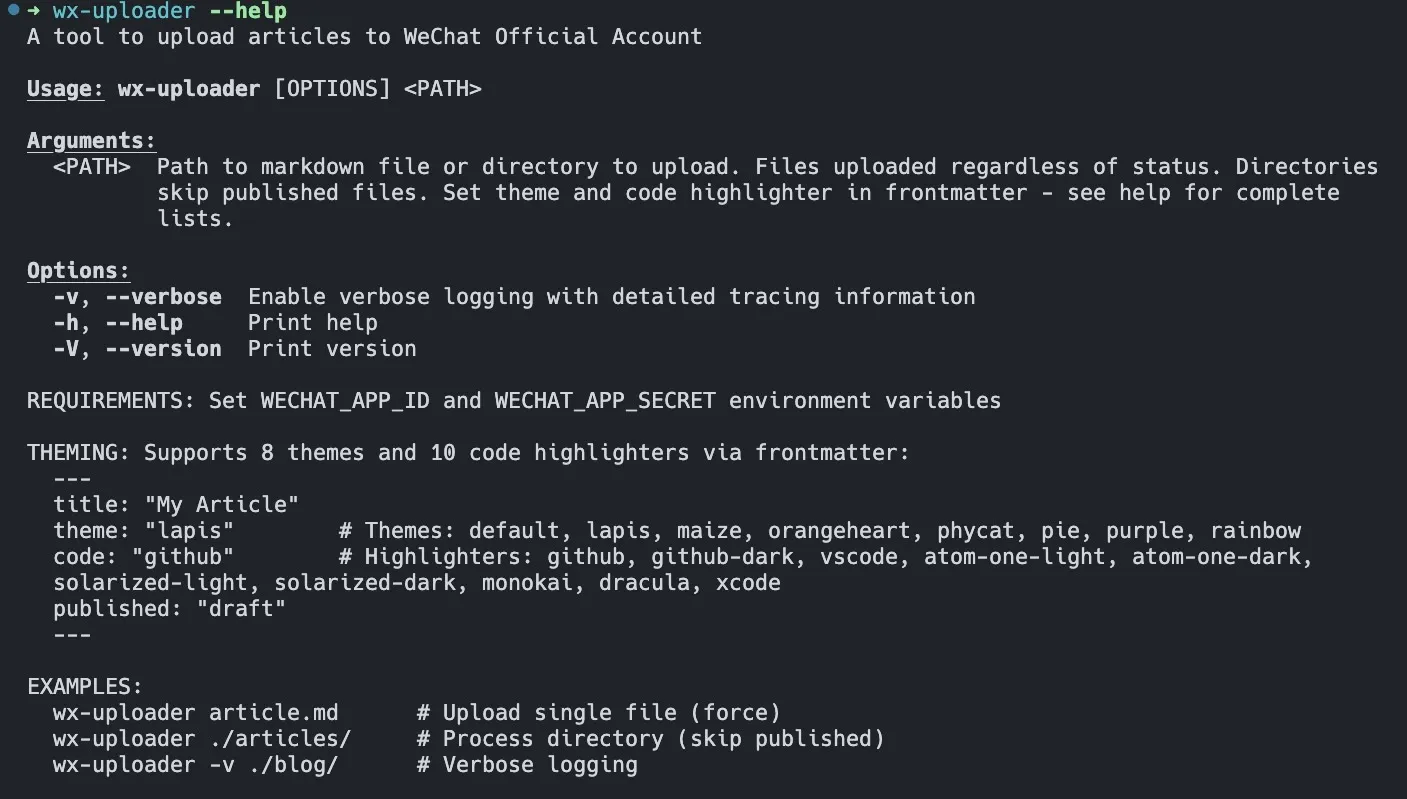
At this point, everything is ready but the “pure conversation.” From now on, I can sit at ease in my study, ranging with my Mr. Know-It-All over past and present, then gather these sparks of thought into essays, upload them with a single click, and share them with kindred spirits.
Stay tuned.